Archive
Before The Time Runs Out – To Replace The Google Reader, It Is. Or – How Do You Follow?
 If there ever be a contest for the longest blog post title, I would have a good shot at winning, don’t you think? It also shows that I can’t make decisions – as to what title is better, as the least. But then I know from the business world that huge number (majority?) of e-mails are not read past the first line, so one really needs to put out all at once…
Anyway, let’s move closer to the subject. As you probably know, Google announced the End of Life for their Reader as of July 1st – and I don’t know about you, but Google Reader was one of my tools of choice to follow the blogs en masse. With Google reader, it was easy to see what is new with the blogs I follow, and easy to focus on reading posts from one blog at a time. Yes, you can subscribe to follow most of the blogs via e-mail – possible, but considering how we all are inundated with the e-mails, it is easy to expect that many posts will just slip through the cracks – lots of e-mails will accumulate for “I will read it later” section, until one gets overwhelmed with amount of unread e-mails and then hits “delete all” button.
Just to give you an idea of how my Google Reader screen looked like, here is a snapshot:
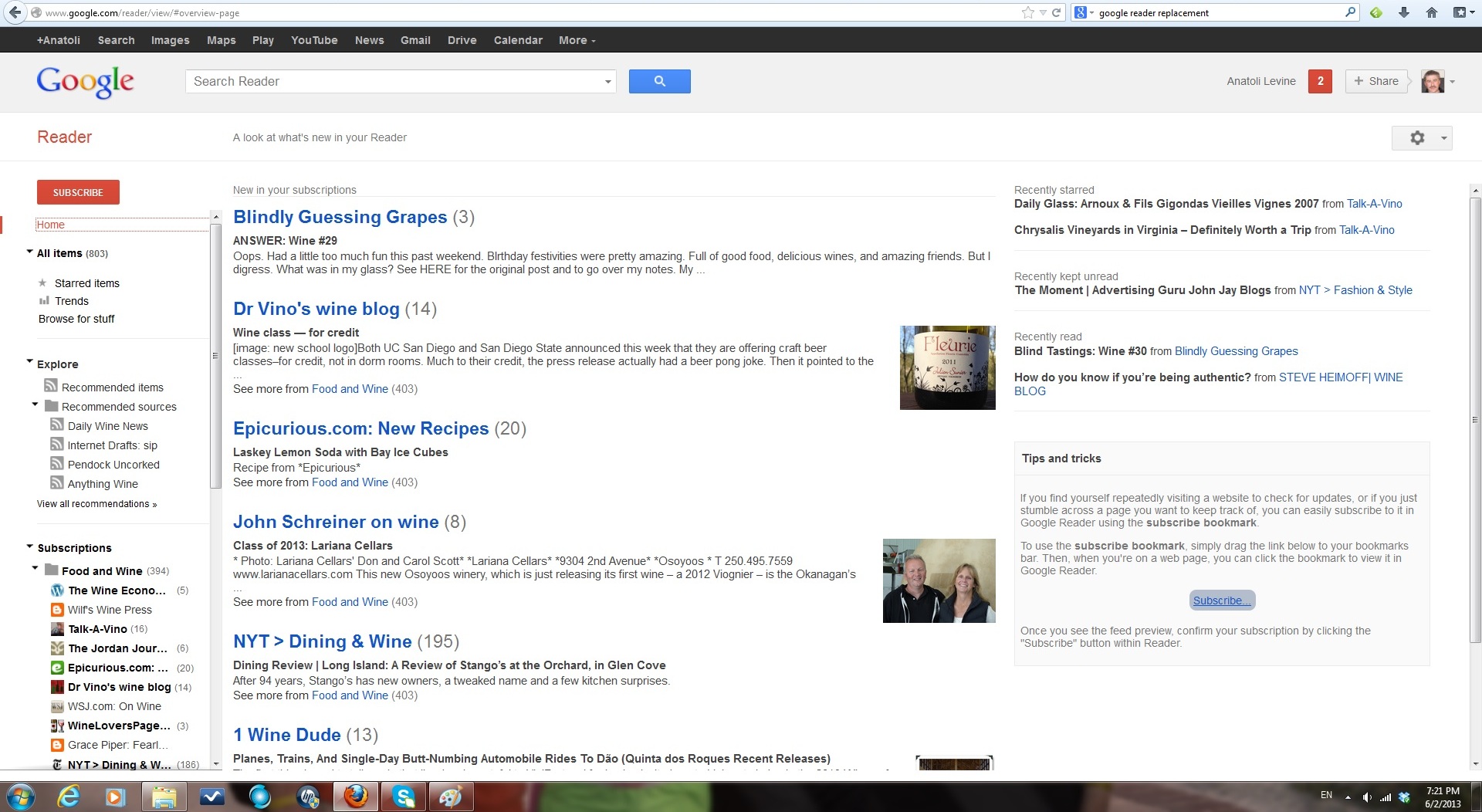
My Google reader Screen – see how everything is grouped by the blogs?
So I started to ask around. I heard from my friend Patty of P’s 2013 Photo Project that she started to use Feedly, but has limited success. Then I asked my friend Kfir, who is The Guru of Social Media, and his advice was – well yes, try Feedly. So at last, I also decided to consult another friend who is close with billions of people (yep, Google search engine), and I found a web site called Replace Reader. This is what I saw there:
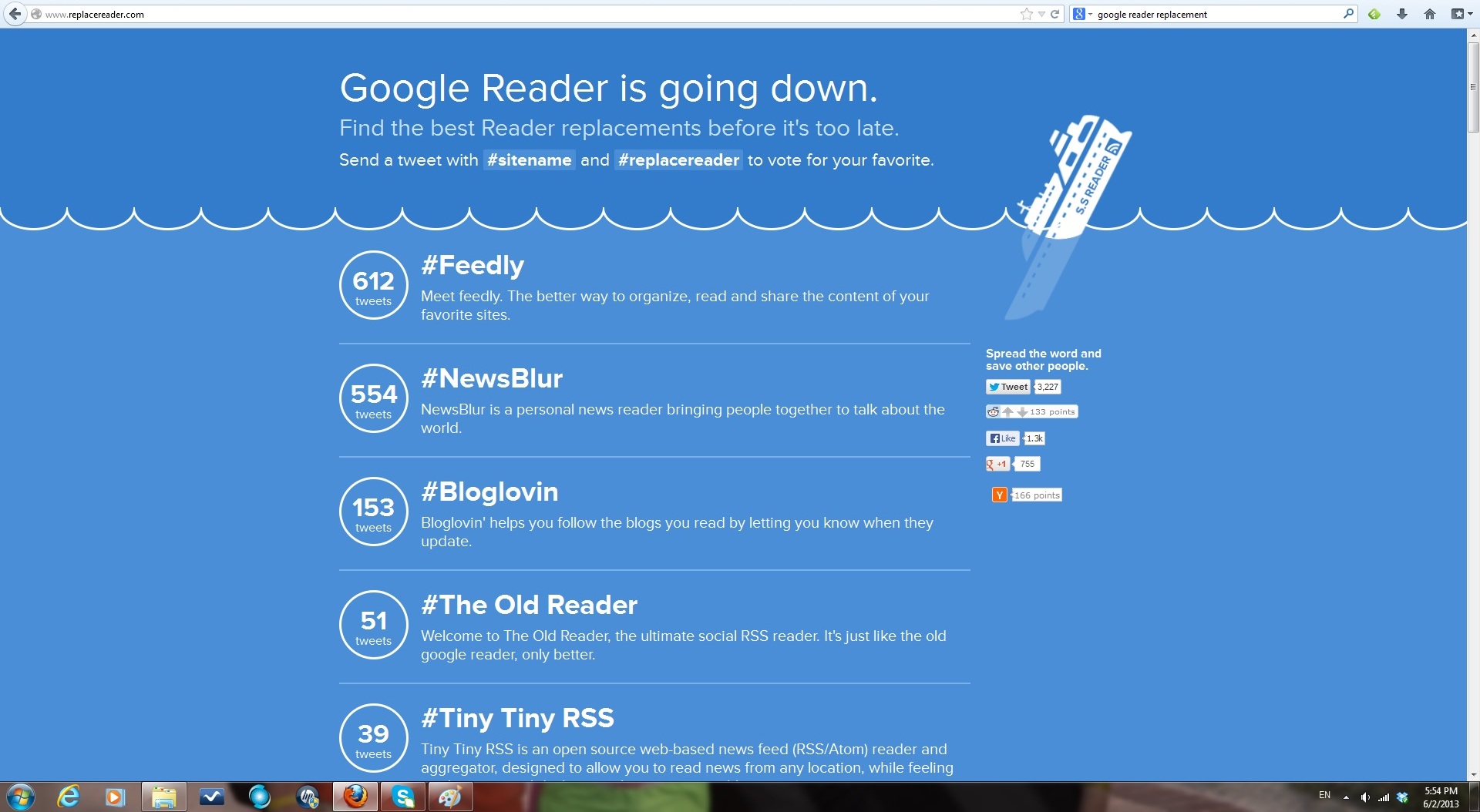
Replace Reader screen
As you can see, Feedly has #1 spot. But before going to Feedly (I have to make my own mistakes, part of my DNA, I guess), I decided to try Bloglovin – easy installation, quick sync with Google Reader, and voila. But I didn’t like what I saw too much:
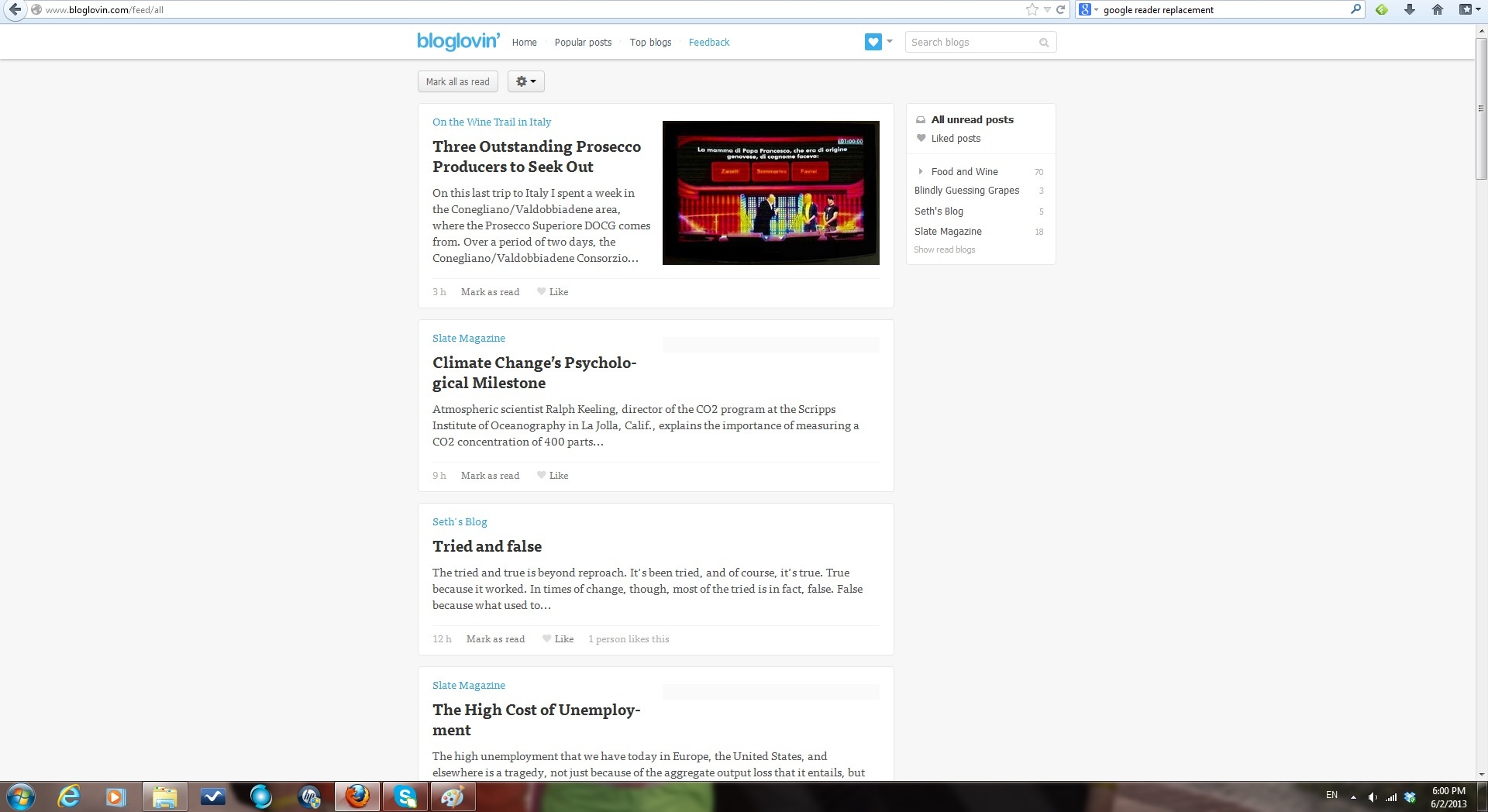
Bloglovin reader screen
The reason I was not too happy with it? It resembles WordPress Reader, which only presents all the blog posts sequentially, sorted by day and time, and if you didn’t read the blogs for a few days (I know, you don’t believe this can happen to anyone – not to read blogs for a few days – OMG, the world is ending…) – but if you actually didn’t read blogs for a few days, good luck following up on what you read and what you didn’t read… This is my WordPress Reader screen, just to give you an idea:
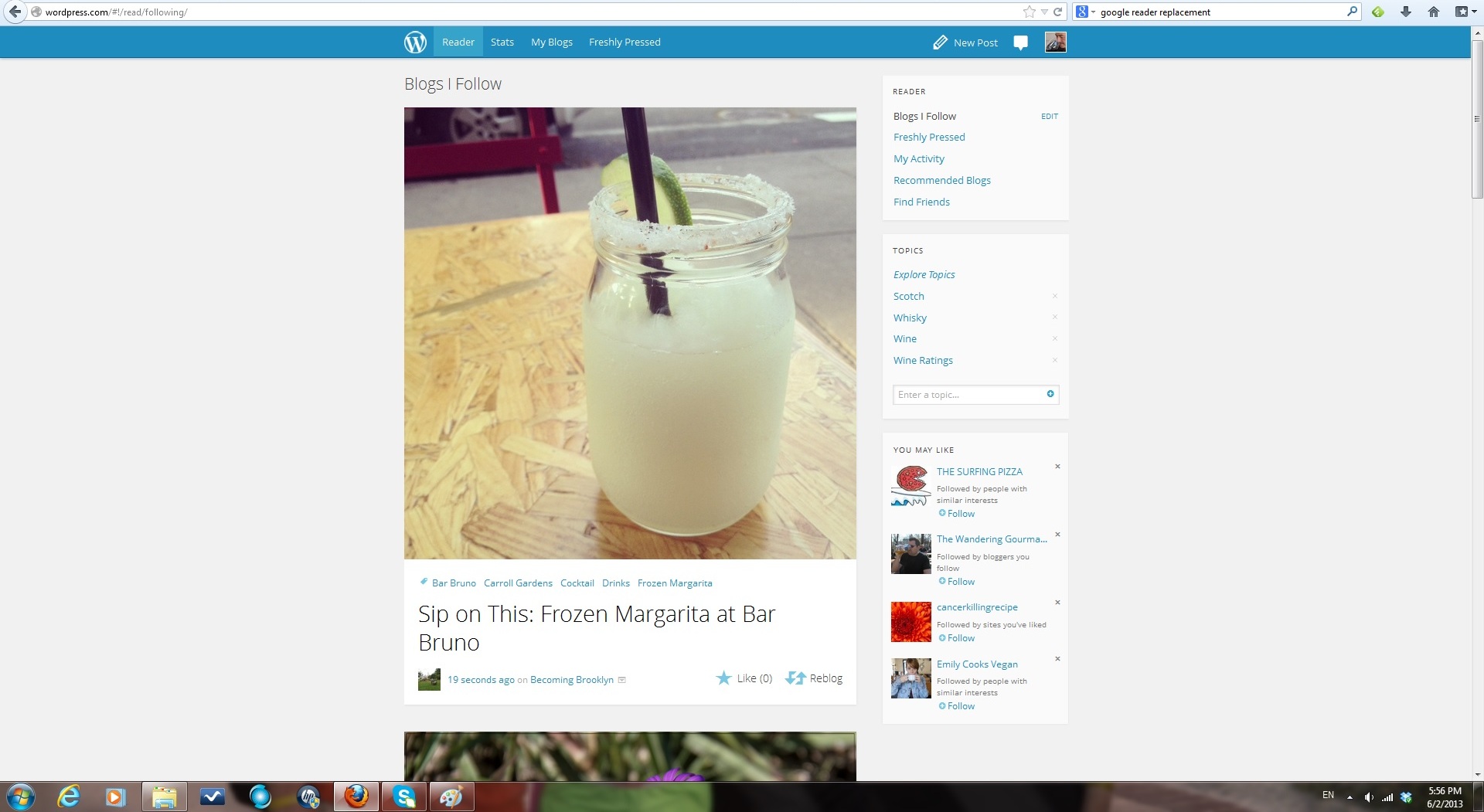
So it seemed that trying the Feedly is inevitable. Download, install (it actually installs a browser plug-in, so you have to restart the browser). Sync up with Google Reader. The first view is a mess – it is called “Title only view”, and it is just a collection of blog posts sorted by date – nowhere near to blog-sorted Google Reader:
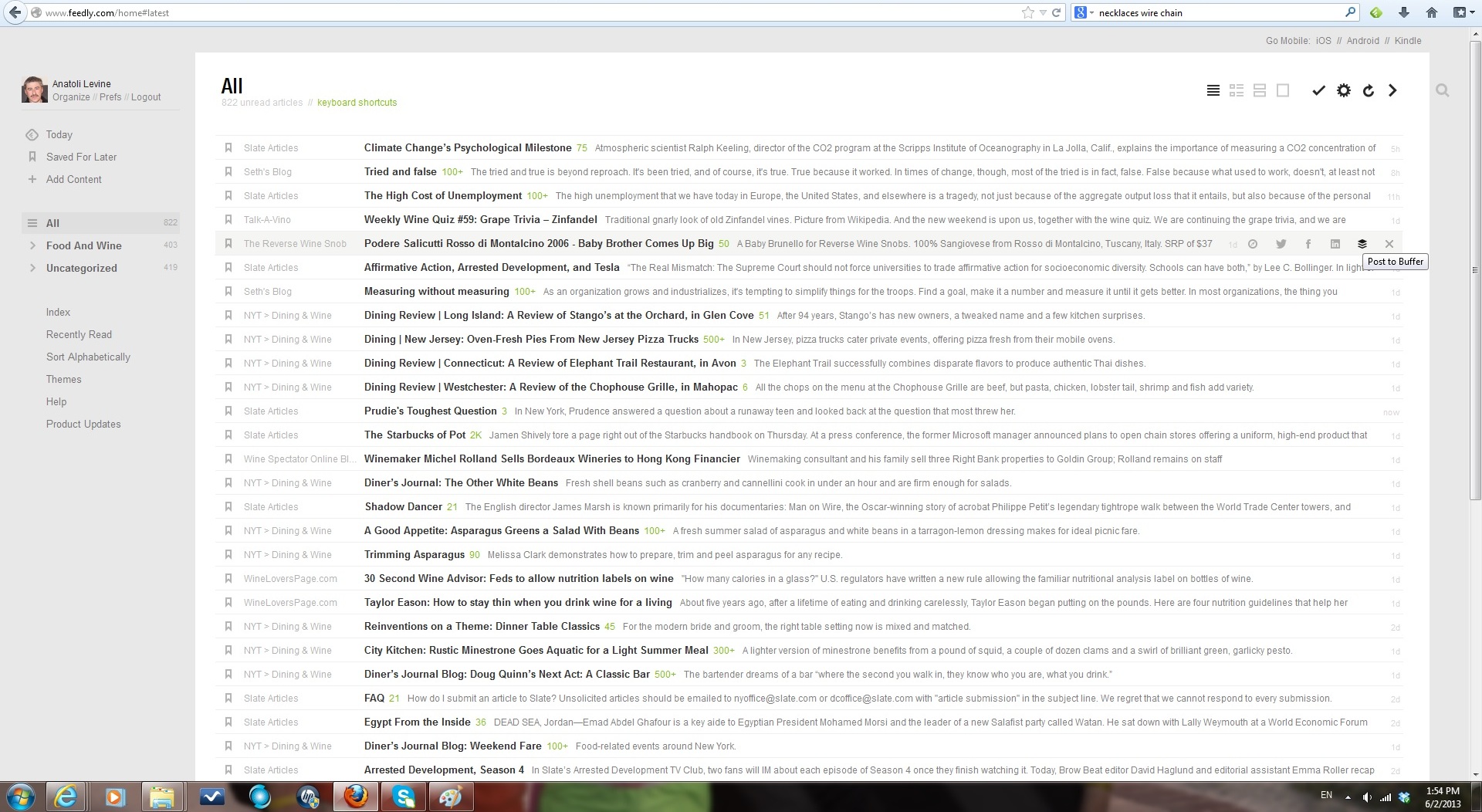
Feedly Title Only View
But – Feedly actually offers a number of different views – Magazine view is better, as it allows me to see the blogs I follow in more structured way:
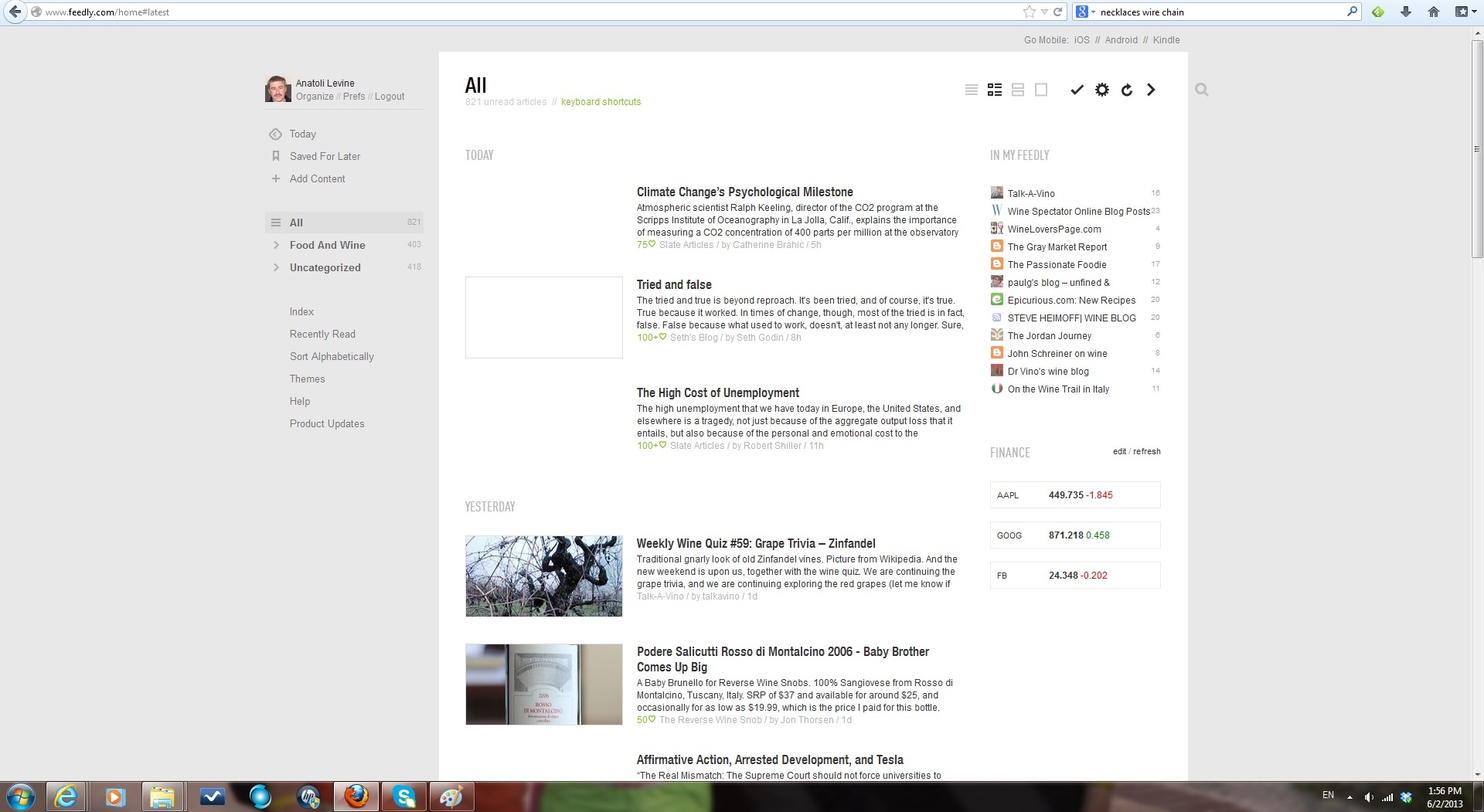
feedly magazine view
See that list of the blogs on the top right side? Now I can see with single glance what do I have to read where. But the best view in my opinion is the one which is provided as “Index”
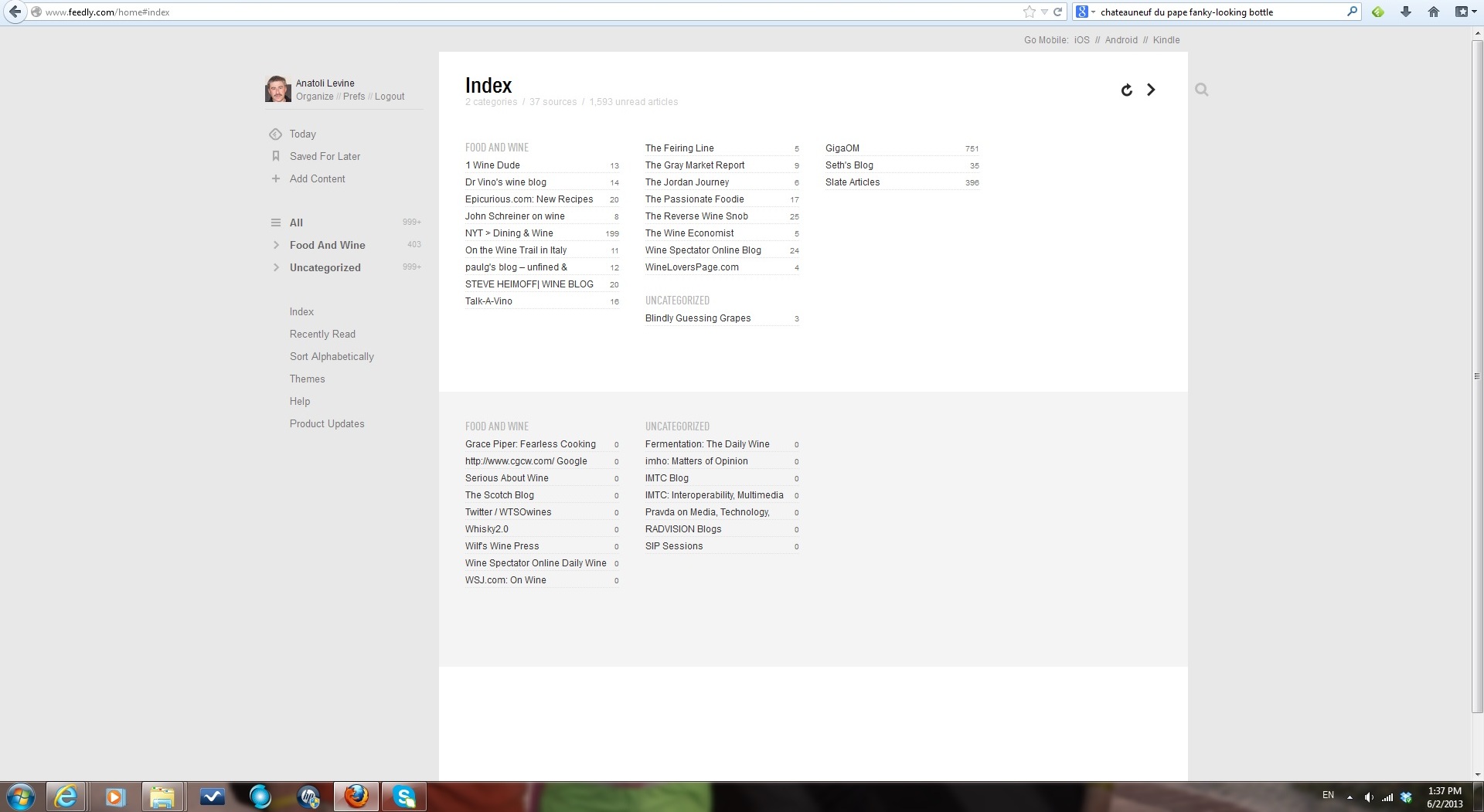
feedly index view
So I think Feedly with the Index view is what I’m looking for – hopefully it will help me to stay on top of my “follow” game.
Now, the big question is – how do you follow? I’m really curious to know what do you do to follow the blogs you want to read?
Also hope you had a good glass of wine before the new week starts. Cheers!
Last Bottle Sign Up ($10 credit)




 Talk-A-Vino